Every chess tournament ends the same way: a handwritten scoresheet you are supposed to keep, and zero motivation to type forty moves into a computer. The game is sitting right there on paper, but getting it into Lichess or Chess.com feels like more work than the game itself.
Here is how to turn that piece of paper into a clean PGN file in about ten seconds, plus the slower manual method if you prefer to do it by hand.
What is a PGN, and why bother?
PGN stands for Portable Game Notation. It is the standard text format every chess site and engine understands. Once a game is a PGN you can:
- Open it in Lichess or Chess.com for free engine analysis
- Send it to a coach who can annotate it
- Keep a permanent, searchable archive of every game you or your child has played
- Replay it move by move on any device, years later
A stack of paper scoresheets does none of that. A folder of PGN files does all of it.
The slow way: typing it in by hand
If you only have one game and you enjoy the process, you can type it in manually:
- Open the Lichess board editor or the "paste PGN" import page.
- Read each move off the scoresheet and play it on the board, or type the moves in algebraic notation.
- Fix your typos when the board rejects an illegal move.
- Export or save the result.
This works, but it is slow and error prone, especially with messy tournament handwriting or notation in another language. For a child who plays six rounds on a Saturday, it is not realistic to do this for every game.
The fast way: scan it
ChessSnap was built for exactly this problem. Instead of typing, you photograph the scoresheet and let the app read it.
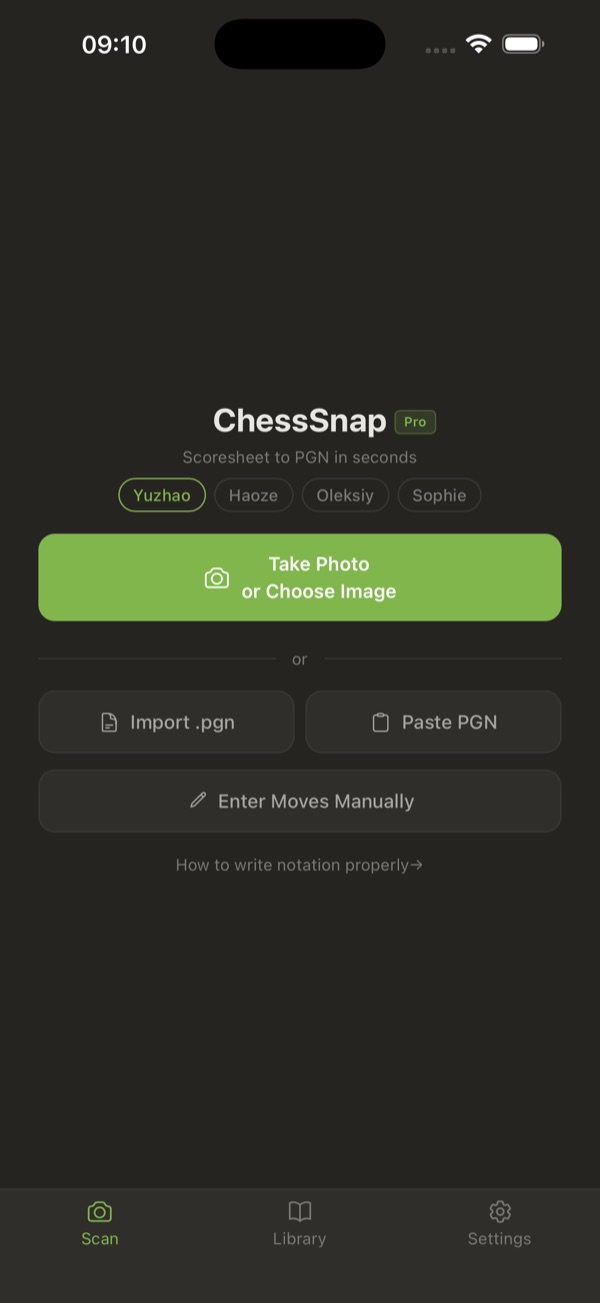 The ChessSnap home screen: one tap to photograph a scoresheet, with a separate profile for each player.
- Take a photo. Point your camera at the handwritten scoresheet and tap Recognize. HEIC, JPEG, and PNG all work, and you can capture both sides of a sheet.
- Let the AI read the moves. ChessSnap uses a vision AI model to turn the handwriting into chess moves, then fills in the move list automatically.
- Review on a board. Every move is shown on an interactive board so you can spot anything the AI misread. Most scans need only a small correction or two.
- Export the PGN. One tap to download the PGN, email it to a coach, or open the game directly in Lichess or Chess.com.
No typing, no manual move entry, and the whole thing takes a few seconds per game.
How to fix recognition mistakes
Handwriting is messy, so no scanner is perfect on the first pass. ChessSnap splits the cleanup into two simple steps so it never feels confusing:
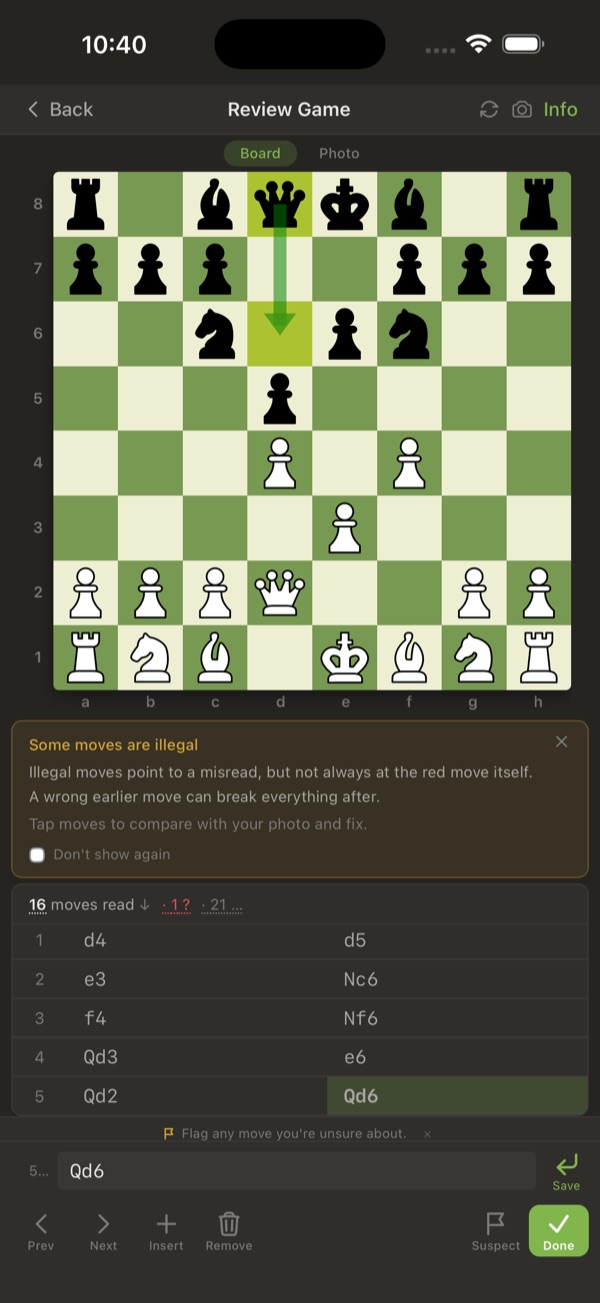 The review screen shows every move on a board and flags any move that cannot be legal, with a suggested fix.
- Step one fixes the reading. If the AI saw "Lf6" where you wrote "Nf6", you correct the text. The board shows the position before each move with an arrow, so you always know which move you are looking at.
- Step two checks the chess. Once the text is right, the app validates every move against the rules of chess and flags anything illegal, suggesting the most likely fix. If move 14 cannot be legal, that usually means an earlier move was misread, and the app points you back to the real culprit.
There is one more thing worth knowing: ChessSnap learns from your corrections. When you fix how a particular player writes a move, it remembers that pattern for the next scan from the same player. Over a season, recognition for your specific handwriting keeps getting better and you correct less and less.
If you want your moves to scan cleanly from the start, it helps to write clear notation in the first place. Our chess notation guide covers algebraic notation, captures, castling, and promotion, with tips for keeping handwriting legible on a scoresheet.
Opening your game in Lichess or Chess.com
Once you have a PGN, analysis is one tap away:
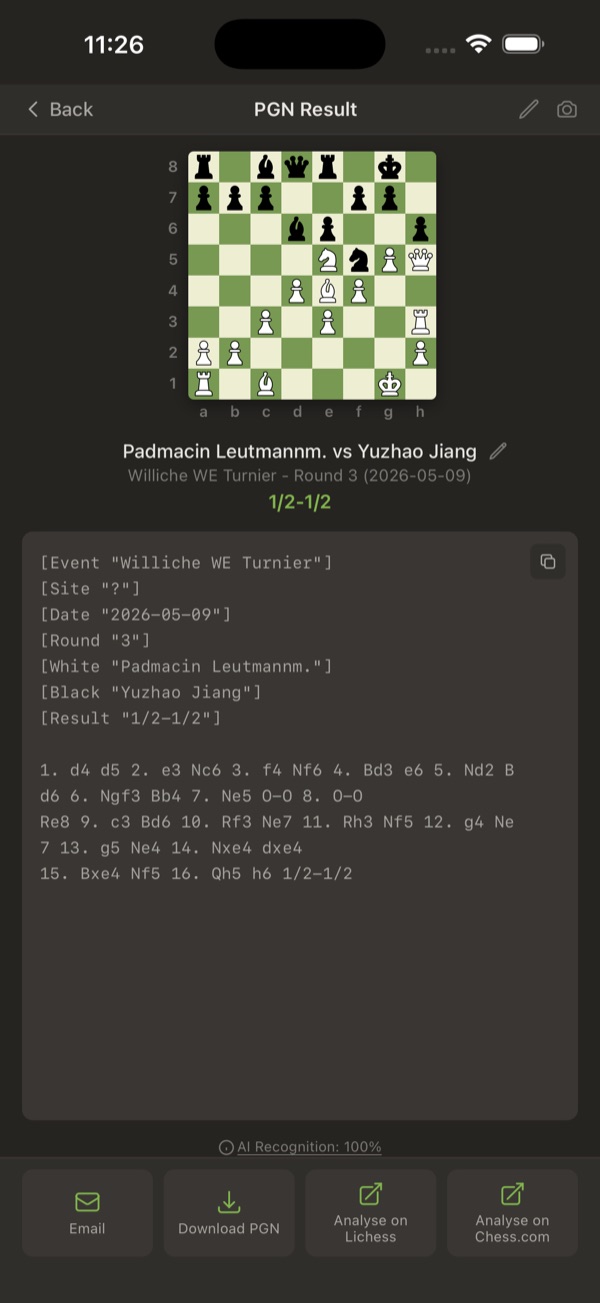 The result screen with the finished PGN and one-tap buttons to email it, download it, or open it in Lichess or Chess.com.
- Lichess: open the game straight from ChessSnap, or import the PGN at lichess.org. Free engine analysis, no account required.
- Chess.com: import the PGN to review with their Game Review tools.
This is where the value compounds. A scanned game is not just saved, it is ready to study.
Build the archive, not just one file
The real payoff is not converting a single scoresheet. It is never losing a game again. Every game you scan goes into a library with the original photo, the move list, and the player names, backed up to the cloud and searchable by player. A year from now, your child's entire tournament history is one search away.
Start with the scoresheet sitting on your desk right now. Scan your first game free, no signup needed to try it.